Messenger connector
The Messenger connector connects a bot to a Facebook page, to talk with the users on Facebook Messenger.
- Connector type:
messenger - Sources and README: connector-messenger
What you will create
-
A configuration (in Facebook and in Tock) to receive and send messages via Messenger
-
A bot that speaks on a Facebook page or in Messenger
Prerequisites
-
About 20 minutes
-
A functional Tock bot (for example following the guide first Tock bot)
-
A Facebook Developer account
Create a Facebook page
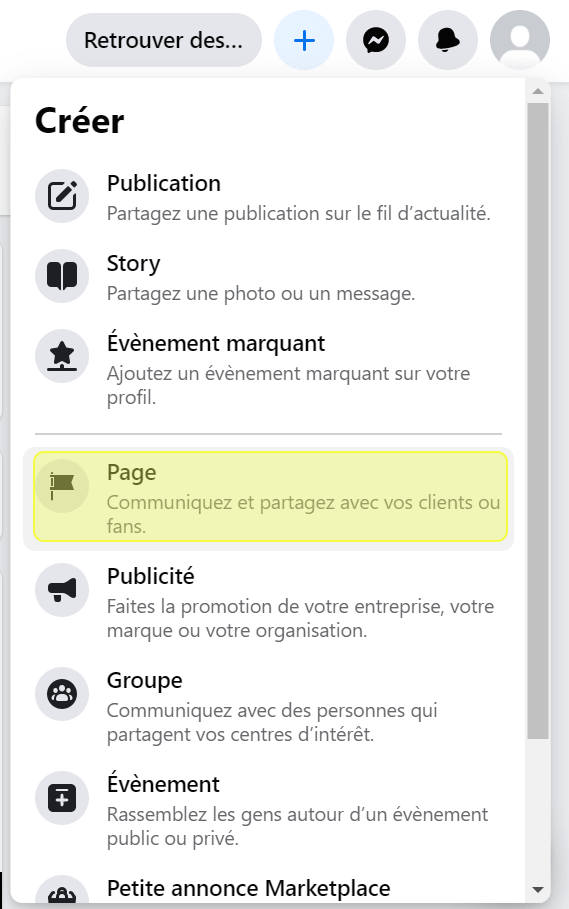
- Create a Facebook page

- Give it a name (e.g. My Tock Bot)
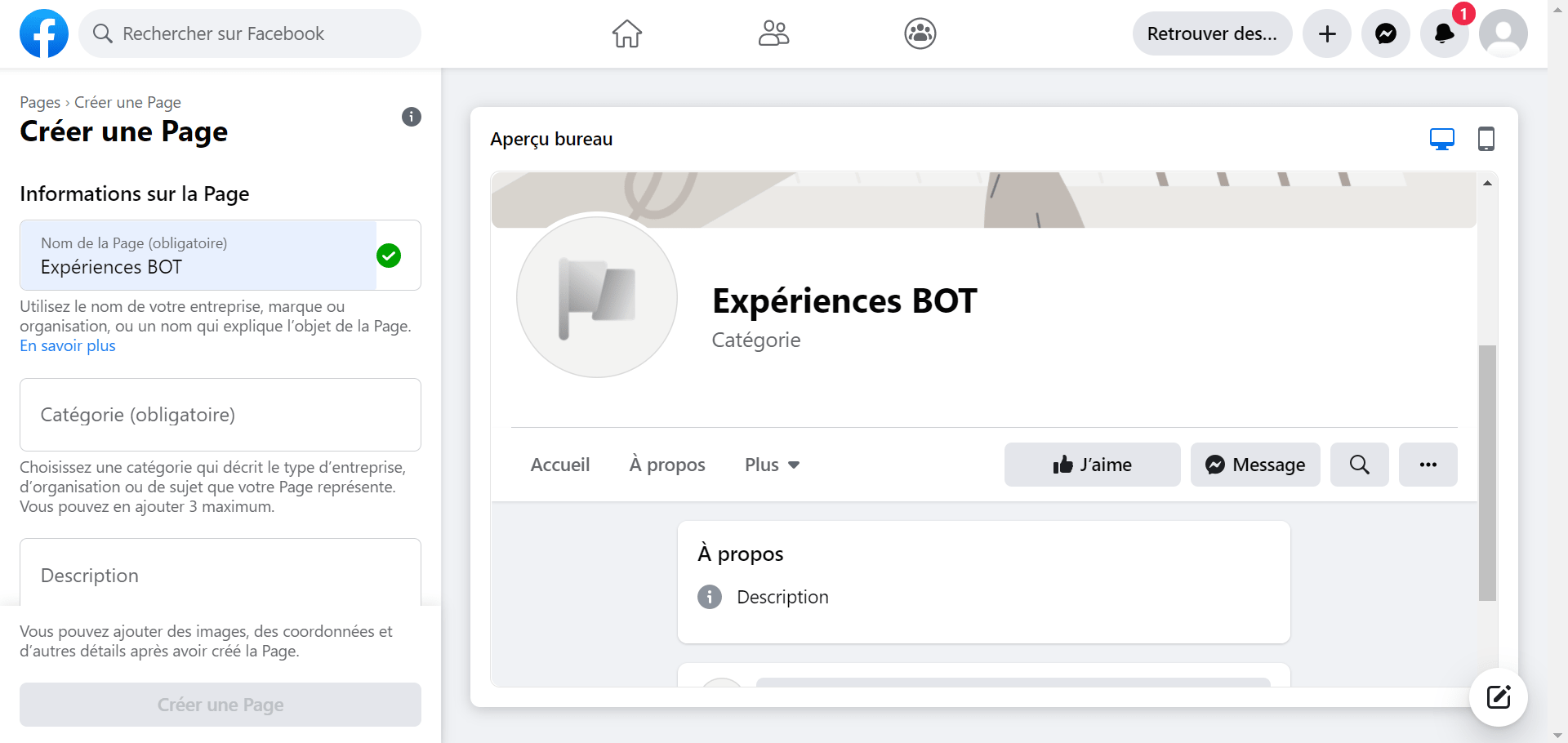
Recommendation: do not publish the page to limit its access to Messenger users: Settings > General > Page visibility > Not published
Create a Facebook application
-
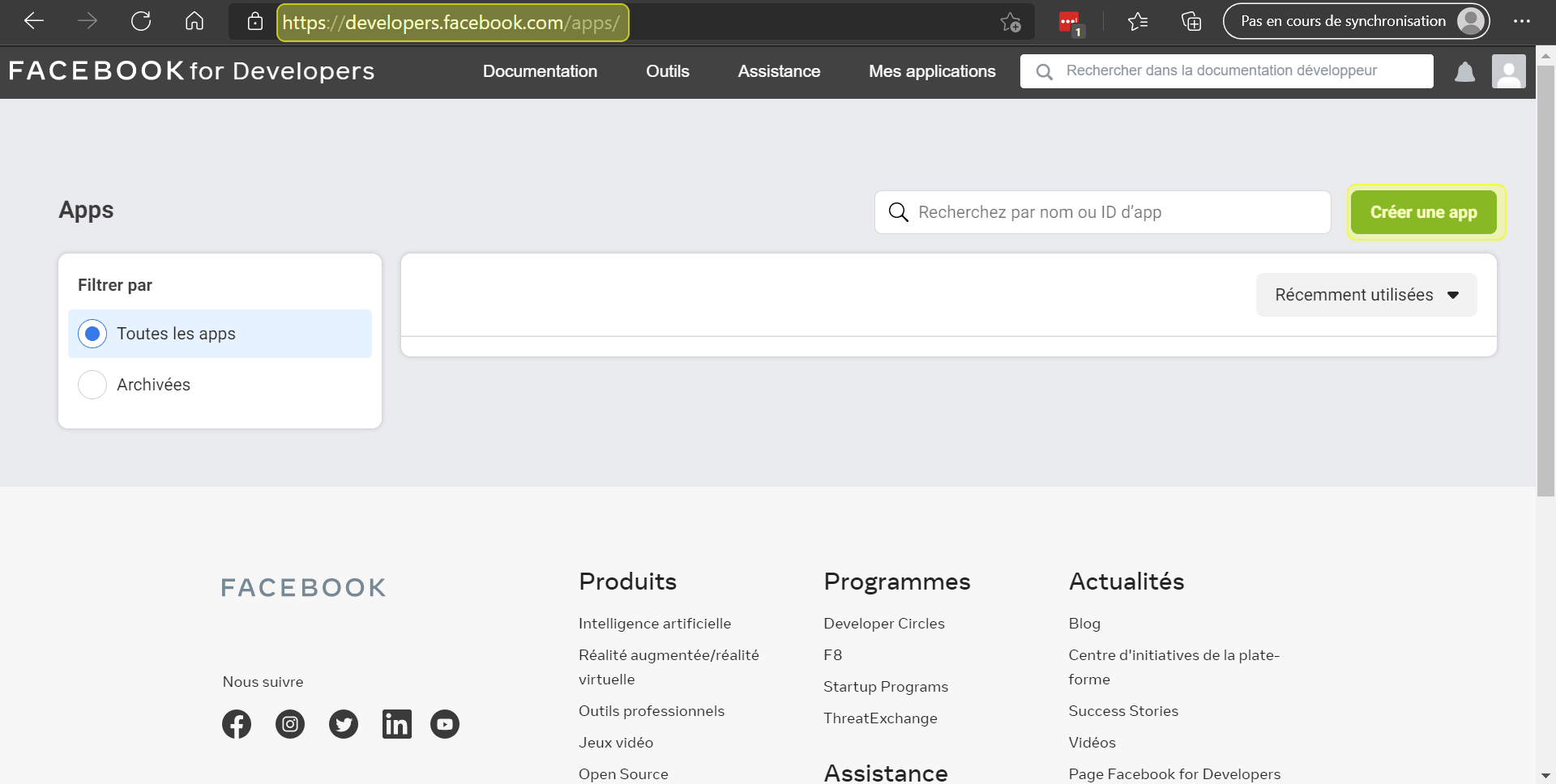
Go to the page Facebook for developers > See all apps
-
Add an app
Create an app > Manage professional integrations
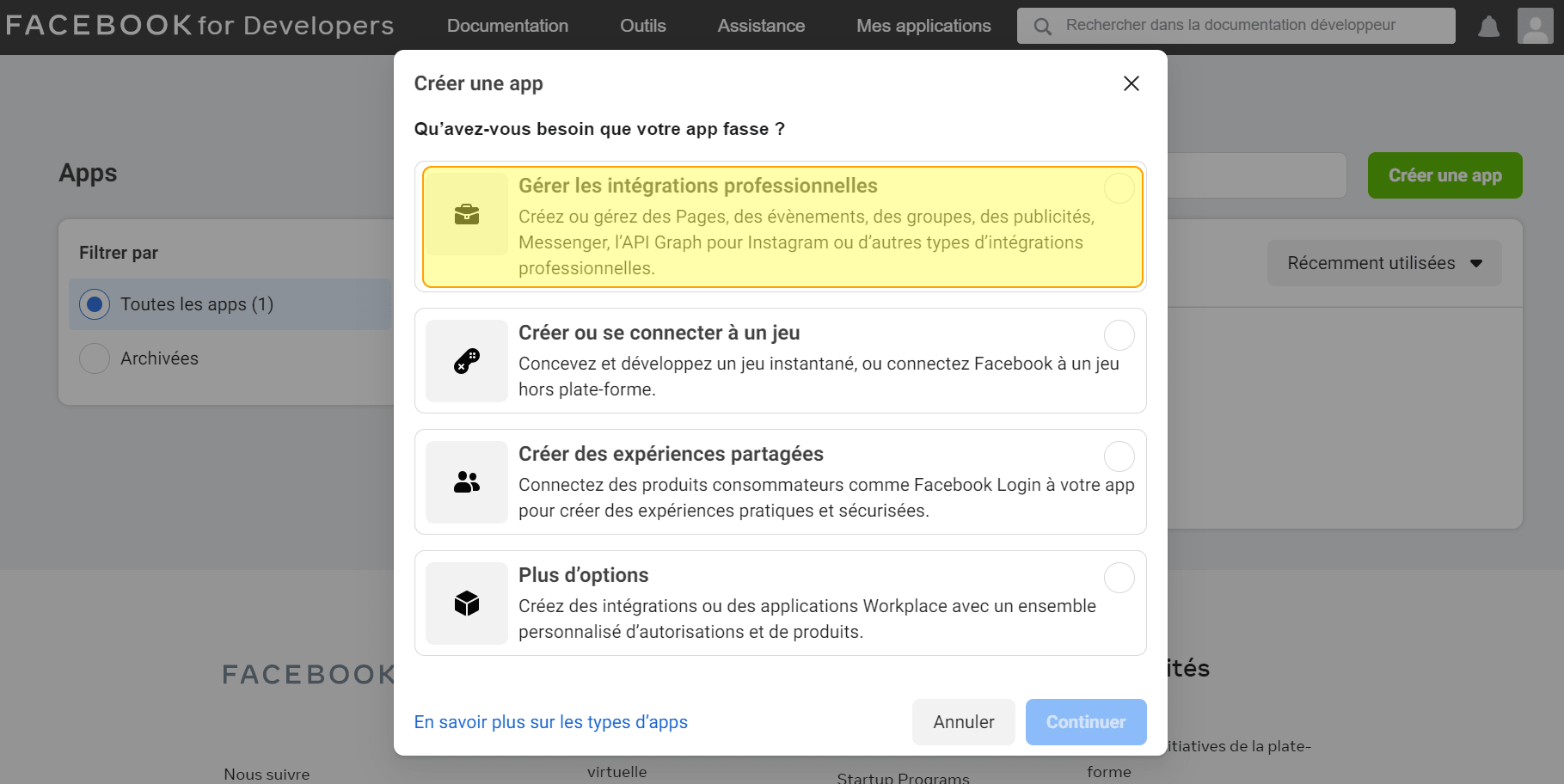
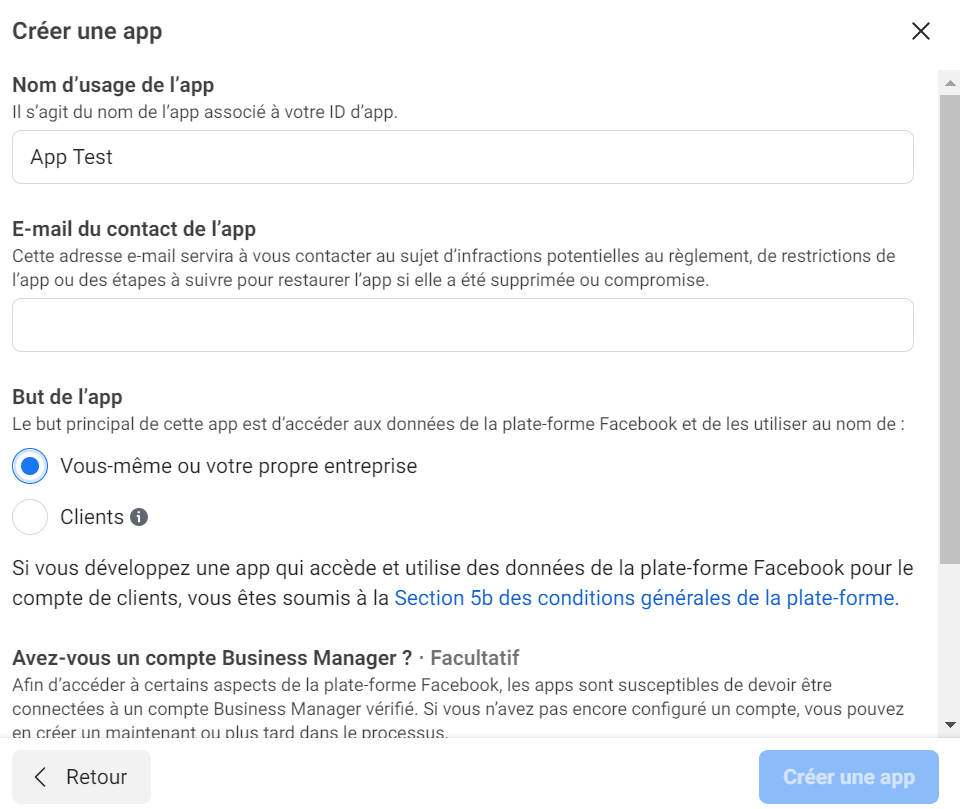
- Enter a name for the application
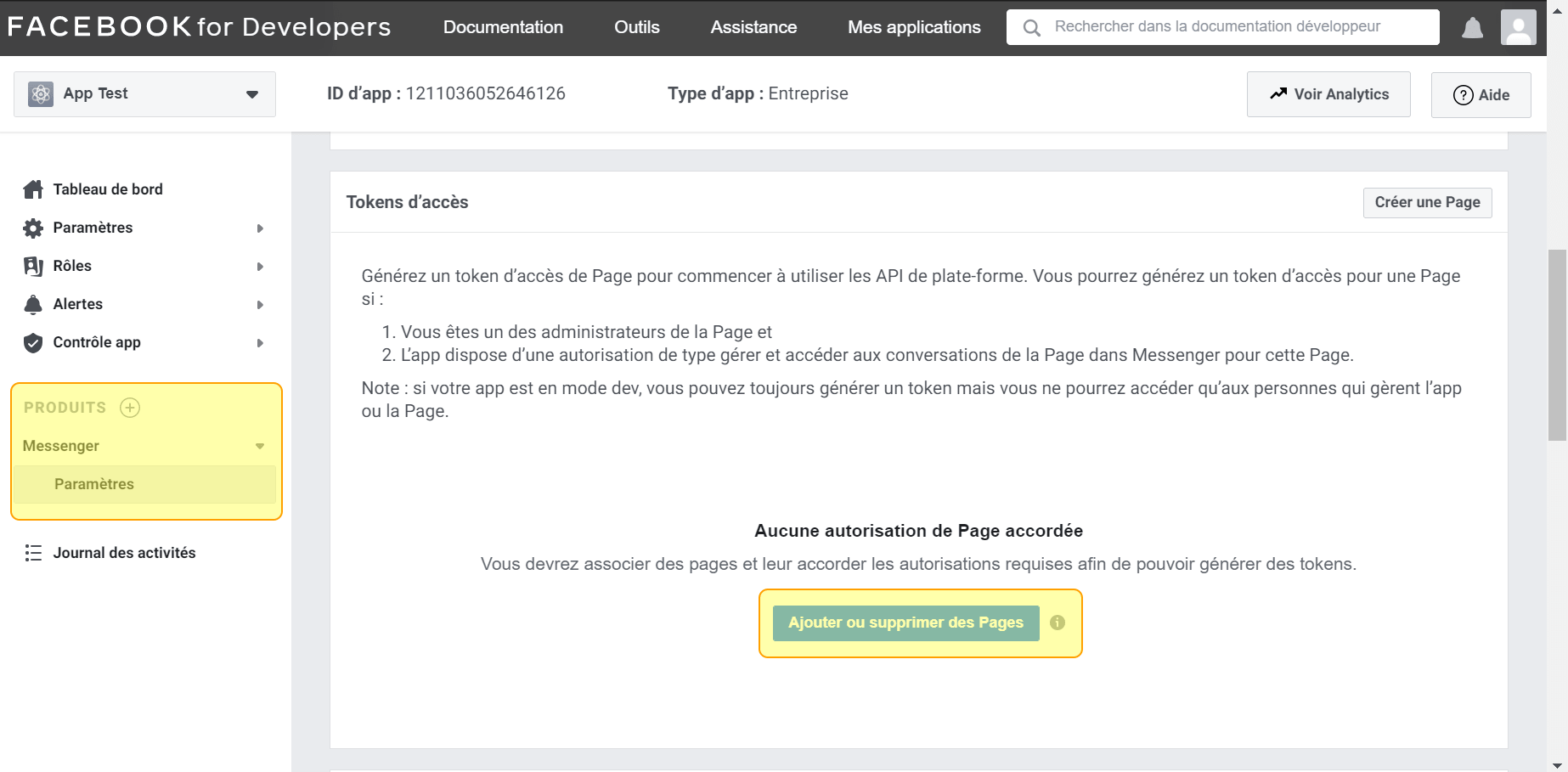
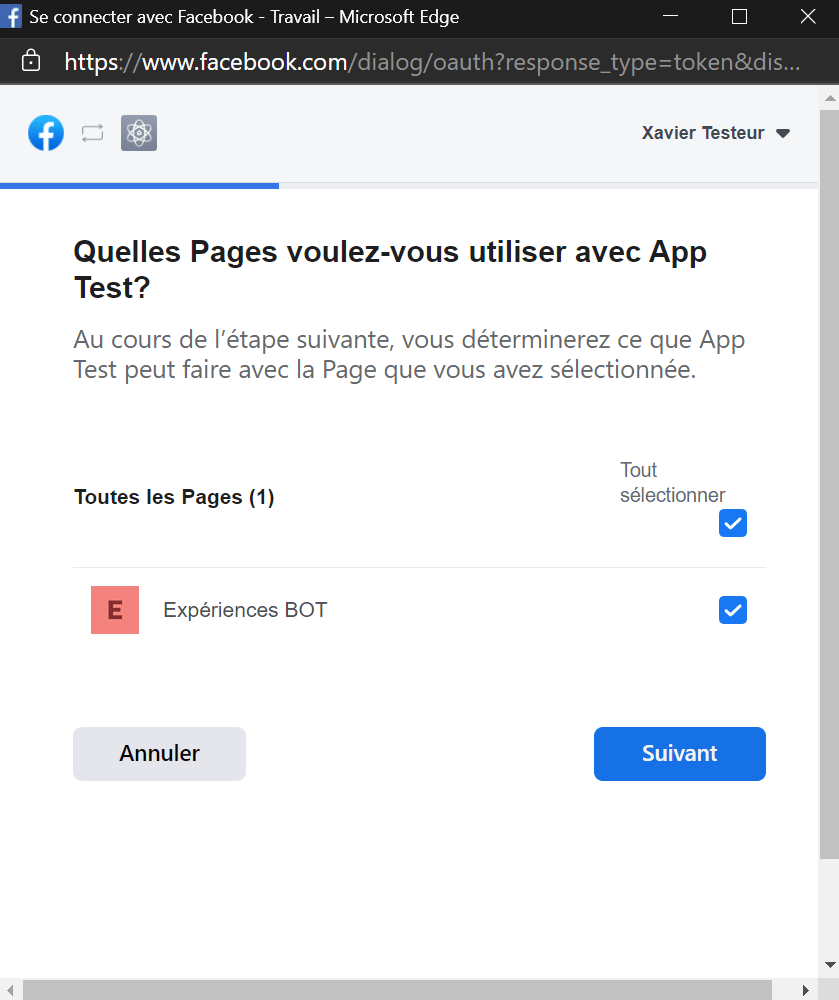
- Add a product: Messenger
Create a Messenger connector
- In Tock Studio go to Settings > Configurations :
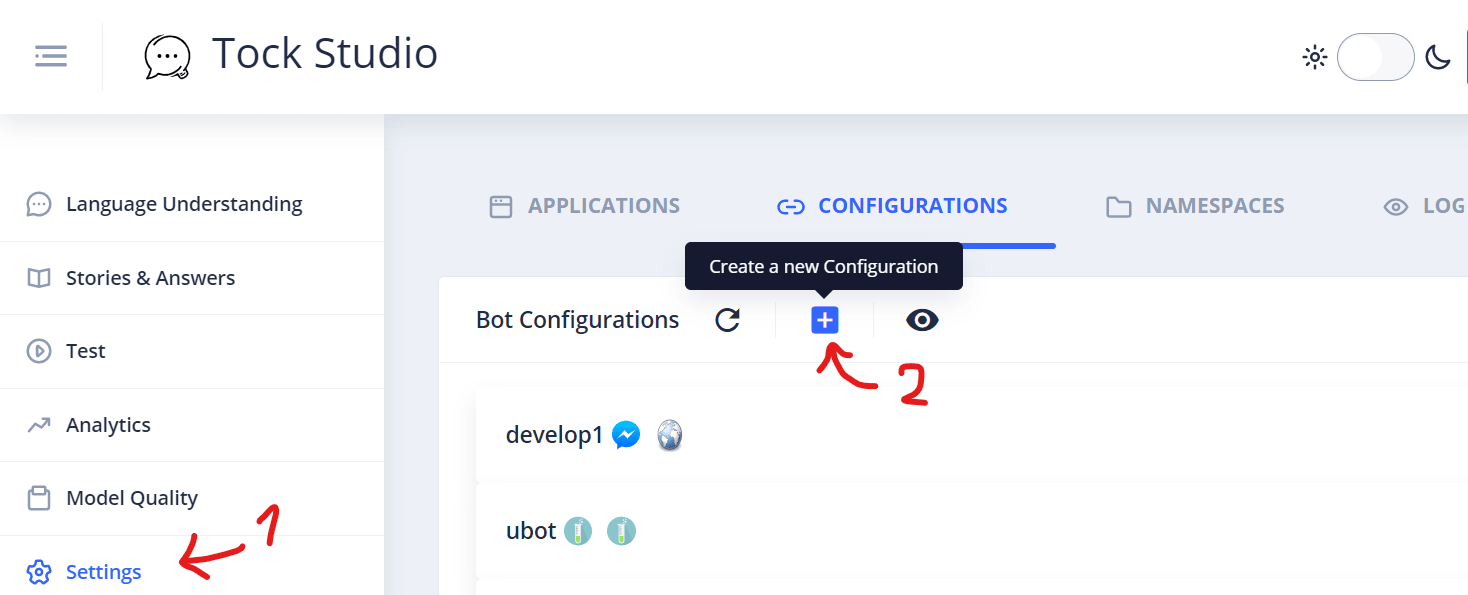
- Create a connector of type Messenger and open the Connector Custom Configuration section
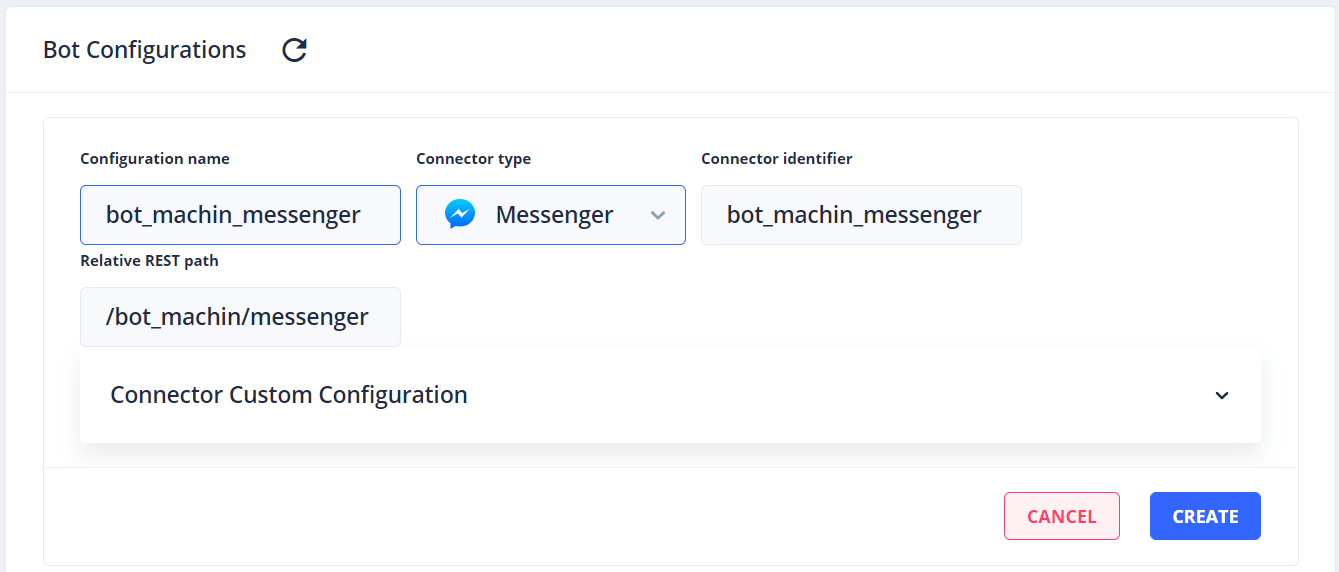
- Complete the fields (see below field by field):
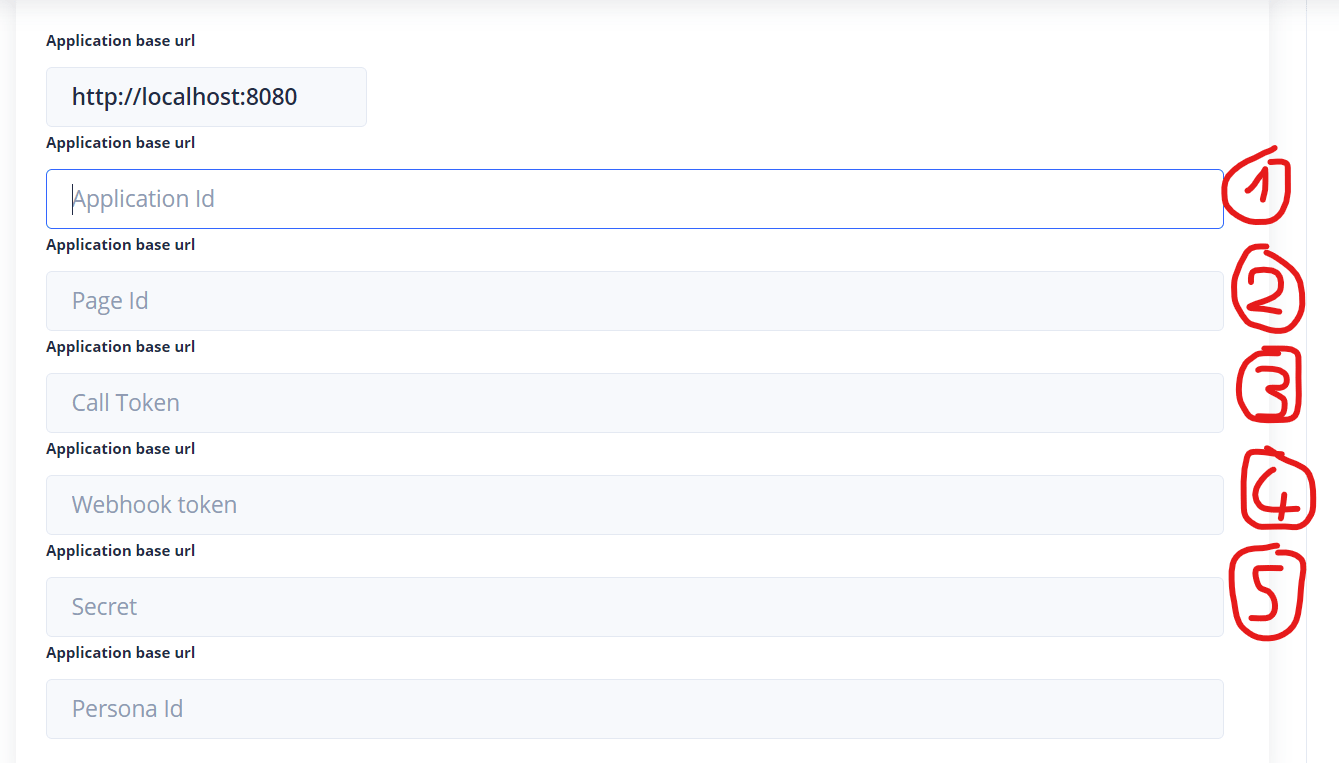
- Application Id : it is found on your application page on https://developers.facebook.com

- Page Id : it is on the page linked to your application on https://facebook.com
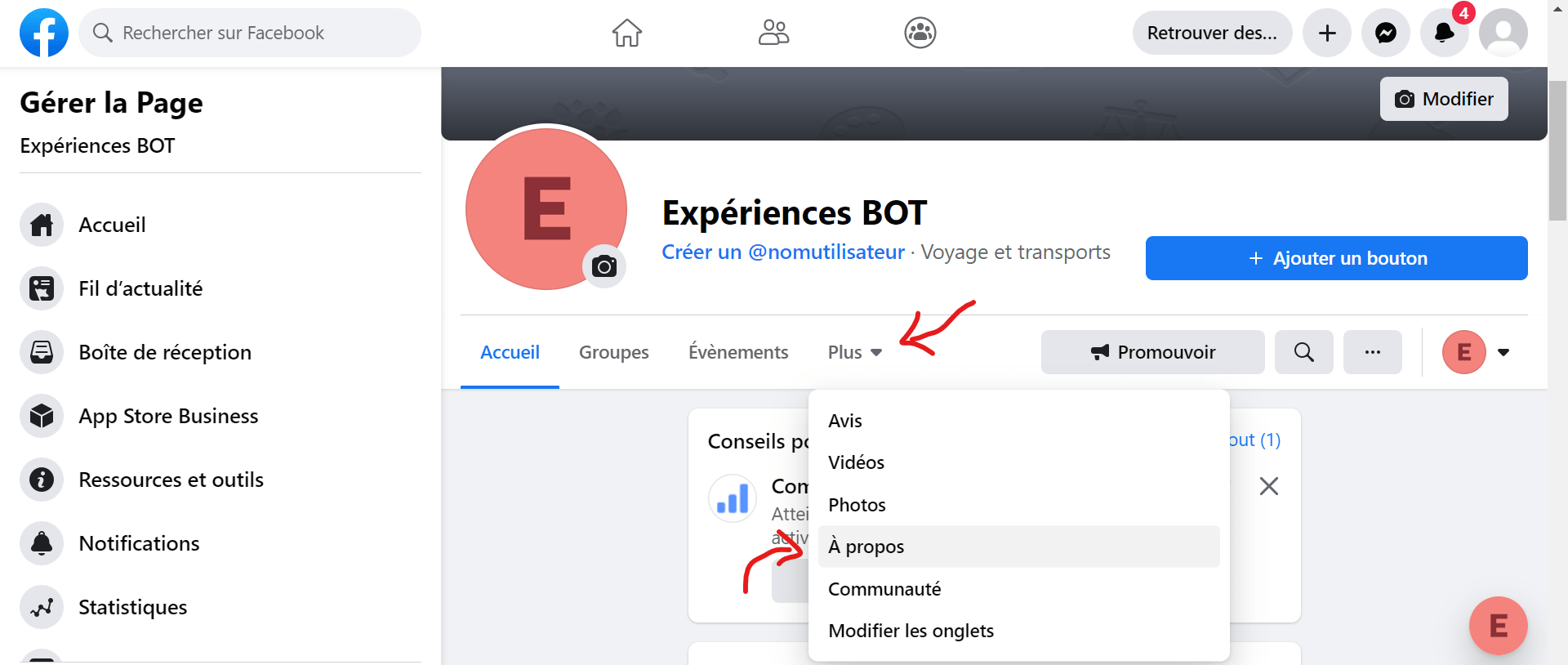
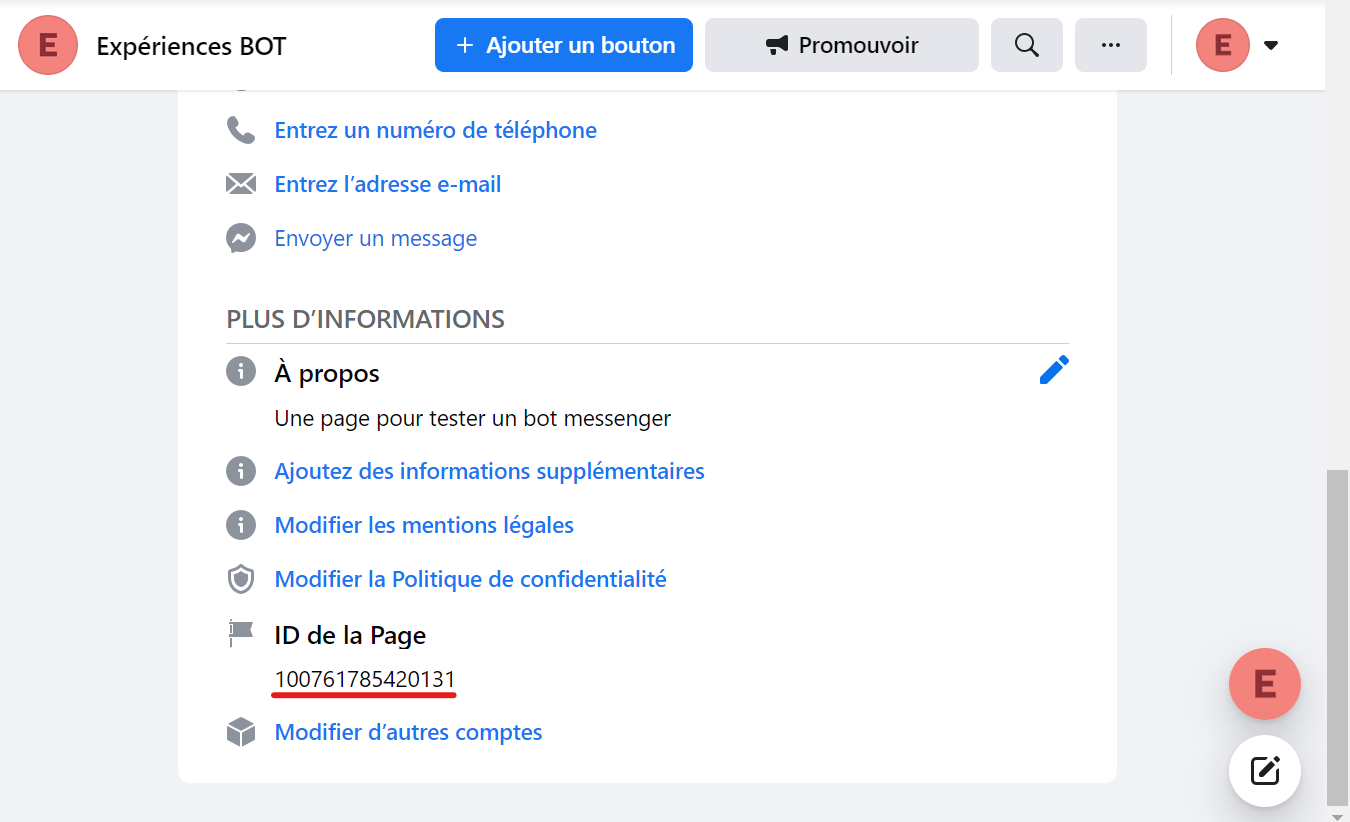
-
Call Token: The token can be found on your app page on https://developers.facebook.com
-
Webhook Token : choose any token (even
tokenif you want) and write it down for later - every call to Tock from Facebook will be made passing this token -
Secret : copy from your user's page application on https://developers.facebook.com
-
Persona Id : you can leave this field empty
-
Check that the connector configuration is saved
Configure the callback URL
-
Go back to your app's configuration page on https://developers.facebook.com: Products > Messenger > Settings > Webhooks
-
Click Add Callback URL (or Edit Callback URL if you previously had a different URL)
-
Enter the URL where your Tock connector is currently deployed, and the webhook token you chose when configuring the connector
To find your connector's URL, go to the Tock Studio > Settings > Configurations configuration page, expand your Messenger connector configuration, and concatenate the contents of the Application base url field and the contents of the Relative REST path field.
-
Click Review and save
-
Test your bot on Messenger!
Going further
The conversational model, features and personality of your assistant remain independent of the channels on which the bot is present. You can nevertheless create answers specifically for a channel: in the Answers screen, with story rules for a configuration, or with the Messenger components of the DSLs and of the Bot API.
To learn more about the Messenger connector provided with Tock, go to the connector-messenger folder on GitHub, where you will find the sources and the README of the connector.
 Chat with Tock