The Synchronization screen
The Settings > Synchronization screen copies the stories, intents and training of a bot (the source) to another bot (the target), possibly in another namespace. For instance, you can develop and test new stories on a pre-production bot, then copy them to the production bot, or copy the sentences received by a production bot to a pre-production bot to qualify them.
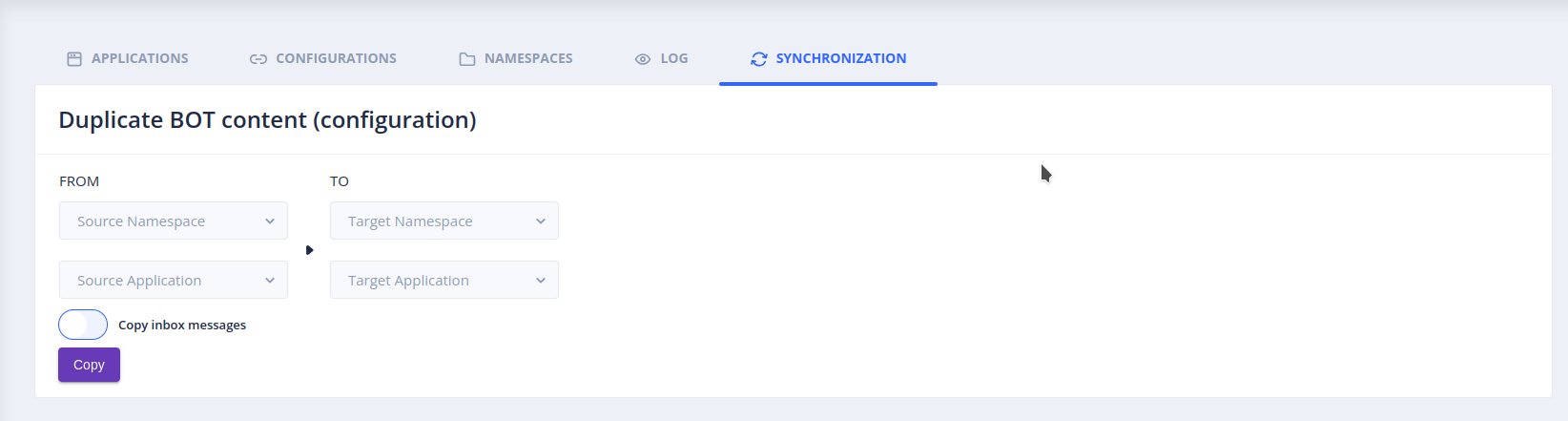
Select the namespace and the application of the source and of the target, then start the synchronization.
This screen requires access to several namespaces: the administrator of the platform must set the
tock_namespace_open_accessproperty totrue(see Configuration).
What is synchronized
-
Stories and intents: the stories of the source and their intents are copied to the target.
Warning: the stories of the target that do not exist in the source are deleted, and the other ones are overwritten by the stories of the source.
-
Training: the qualified sentences of the source overwrite those of the target. Only the sentences that exist in the source are affected: the other sentences of the target are kept. For instance, if the target associates "hello" with the
greetingsintent and the source associates it with thetestintent, the target now associates it withtest. -
Sentences to qualify (Copy Inbox Messages option): the sentences not yet qualified are also copied, for instance to qualify the sentences received in production on a pre-production bot.
 Chat with Tock